Obtaining your AI-VERDE API Key
1. Sign In
- Go to https://chat.cyverse.ai/.
- Click Sign In. You will be taken to CILogon.
- On CILogon, select your identity provider (for University of Arizona users, The University of Arizona) and click Log On.
- Log in with your institution’s login process (for University of Arizona users, your NetID).
2. Select Your Team or Course
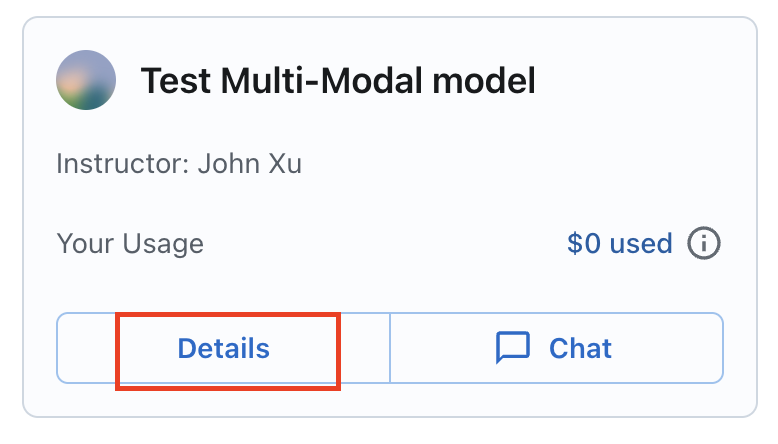
Click the "Details" button:
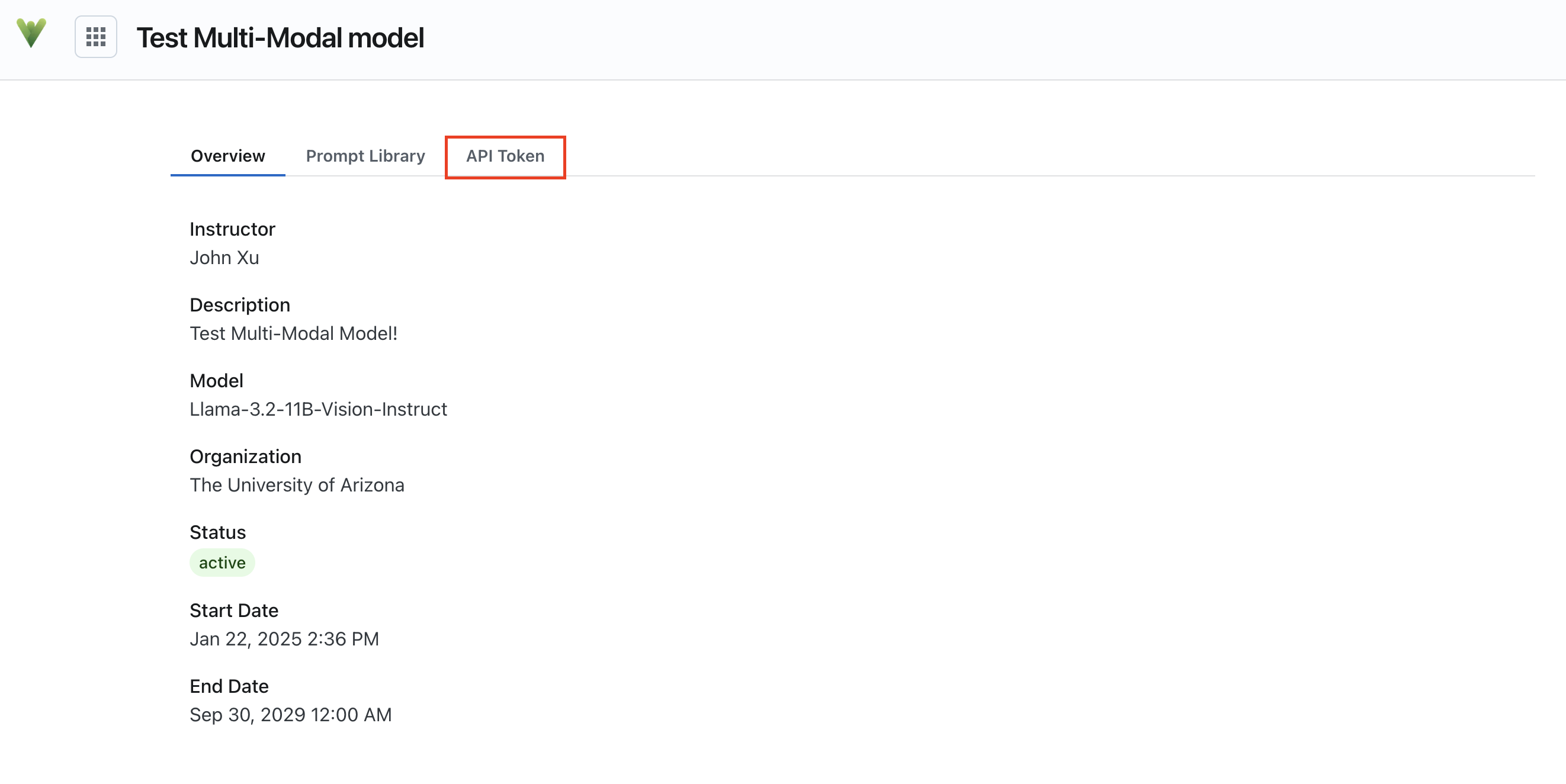
3. Click the "API Key" tab:
4. Copy and save your API key
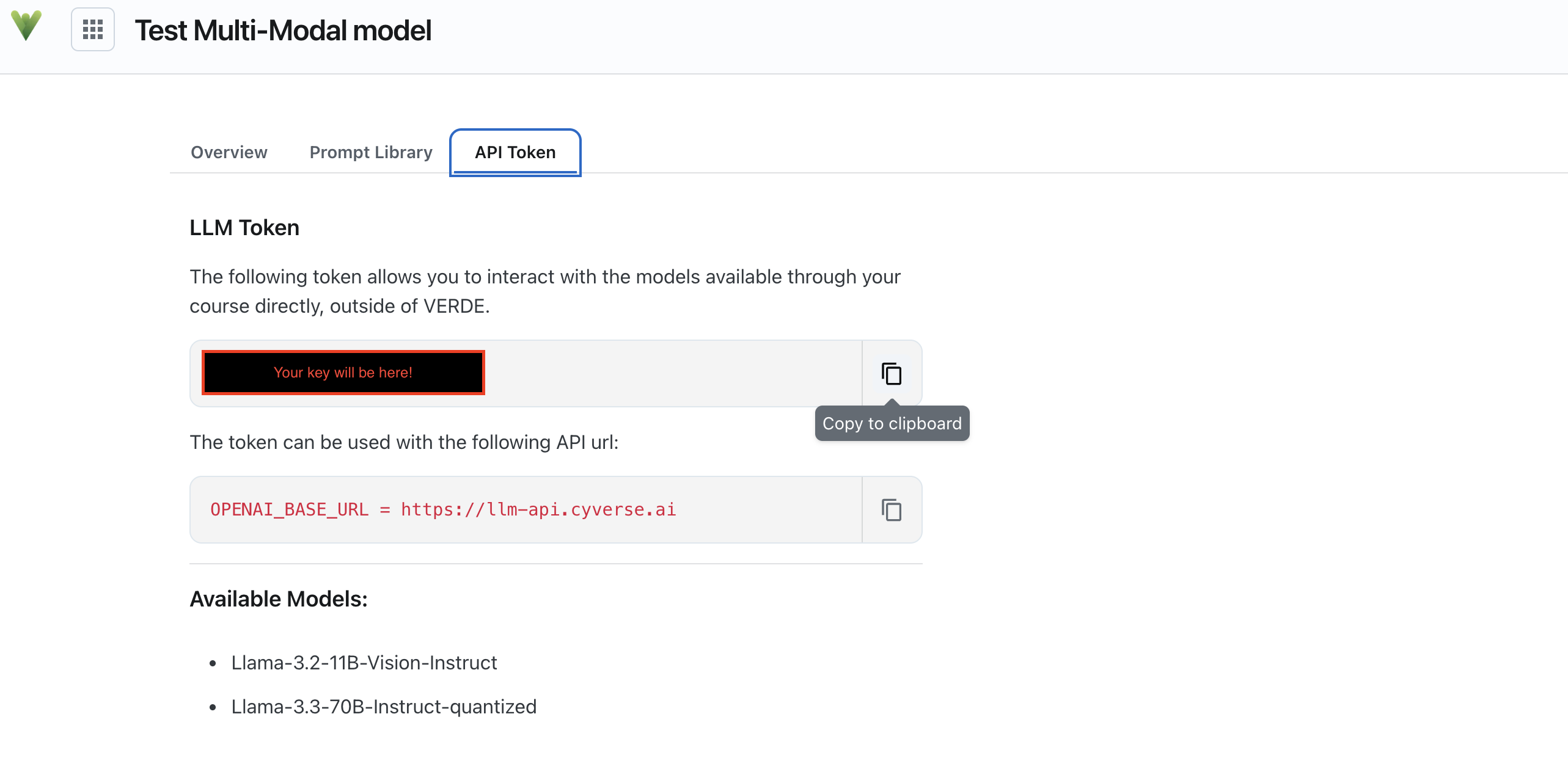
The models available for your course are listed in the "Available Models" section of the API Key page.